

Running jobs
Desktops
Deploy on desktops, virtual machines, browsers, and Citrix. Jobs run wherever the target application lives.
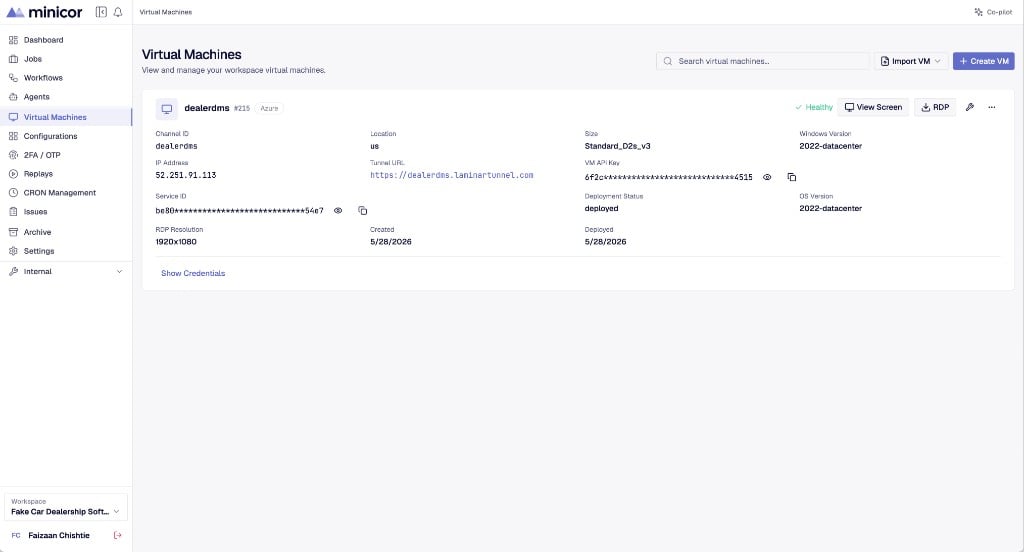
A desktop is a Windows machine that runs the application you are automating. Every job executes against a desktop, and everything the automation does happens there: the clicks, the keystrokes, the screen reads, the recording.
Each desktop runs the Minicor Desktop Service, the service that connects the machine to the platform, executes automation steps, and captures replays. Minicor provisions cloud desktops with it preinstalled, or you install it on a machine you control. Once the service is running, the desktop appears in your workspace with a live preview, ready for jobs.