

Minicor is SOC 2 Type II certified and HIPAA compliant. Automations and their data can run entirely on your own cloud.
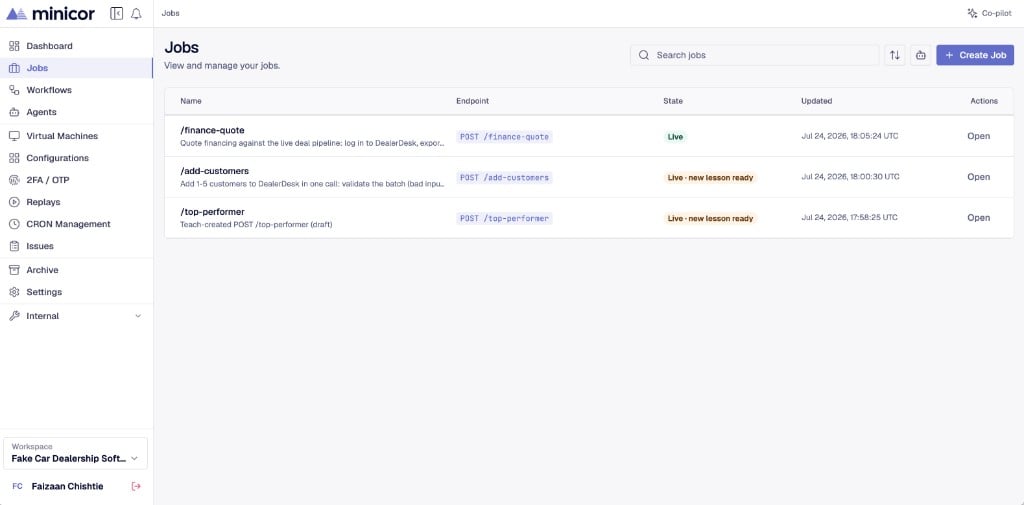
How you work with Minicor
- Connect a desktop. Jobs run on a Windows machine with the Minicor Desktop Service installed. Use a cloud desktop provisioned through Minicor or a machine in your own environment.
- Teach a job with real examples. Send sample API inputs to the job’s endpoint. The platform buckets your samples into scenarios, one for each behavior the job needs to handle.
- Watch the builder work. The builder constructs and refines the automation until every sample passes. It asks you questions when it needs answers.
- Go live. The job earns a stability score as samples pass and live traffic succeeds. When you go live, the same URL serves production traffic.
The samples you teach are the definition of correct. The more scenarios a job has, the more reliable it gets. That is also how self-healing works on Minicor.
What runs underneath
Each job is a sequence of automation steps that execute on a desktop through the Minicor Desktop Service. Steps drive the target application the way a person would: navigating screens, filling fields, reading results. Every run is recorded, so you can watch a replay of exactly what happened on the desktop.What the platform gives you
Where to start
Quickstart
Teach your first job in a few minutes.
How it runs
What happens between your API call and the desktop.
Samples and scenarios
How teaching works and how scenarios are formed.
Connect an agent
Point your coding agent at the Minicor MCP.